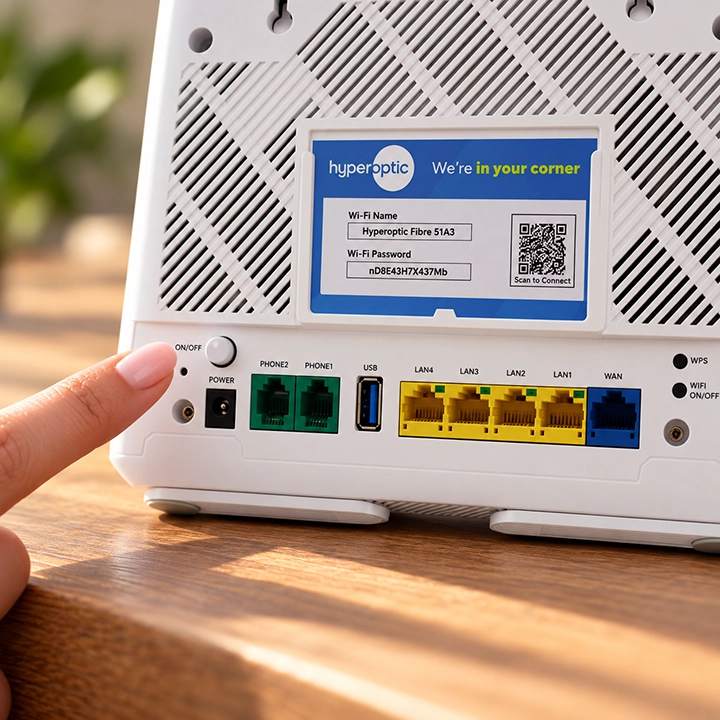
First, let’s give your router a fresh start
Restarting your Hyperhub router can clear temporary connection problems and get you back online. Here’s what to do:
1. Switch off your router.
2. Wait at least 30 seconds. This gives your router time to fully power down and clear its temporary memory.
3. Turn the router back on.
4. Wait a couple more minutes for everything to reconnect.
1. Switch off your router.
2. Wait at least 30 seconds. This gives your router time to fully power down and clear its temporary memory.
3. Turn the router back on.
4. Wait a couple more minutes for everything to reconnect.