{{item.title}}

My account
Check Wi-Fi signal strength
Hyperoptic can’t guarantee the wireless speeds your device will achieve, as there are many factors that can influence this. This is why, for the best possible speed and stability, we always recommend you connect via a wire.
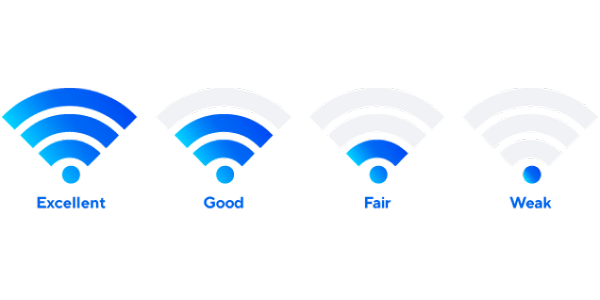
Wireless signals are affected by distance from router (and any walls or doors in between) and by interference from other devices in the vicinity – such as other Wi-Fi routers, microwave ovens, fluorescent lamps, Bluetooth devices, wireless cameras, wireless game controllers, cordless phones, baby monitors, wireless AV equipment and even fish tanks. This is because each Wi-Fi device connects to a wireless channel and, when other devices use the same channel, it can influence the quality of your connections. Please be aware, we have noticed that certain antivirus and firewall software can impact the speeds you experience, as can the amount of free memory available on your computer.
Move closer to the router and retake the speed test on speed.hyperoptic.com
Did this help?